How the dress up game works
Every look in the game is a finished photo. Here is where those photos came from, what was checked, and what an AI try-on can and cannot do.
Most dress up games online are drawings: a cartoon body with cartoon clothes layered on top, like stickers on a page. That is a fine way to play, and it lets you mix hundreds of pieces. This game does something narrower. The doll is a photo, and when you change the outfit you see a different photo of the same person actually wearing those clothes. No layering happens in your browser. It just swaps one picture for another.
Here is how those pictures were made. Nothing is hidden: the people are not real, the clothes are not from a shop, and every outfit was made with an AI try-on.
Making one look, step by step
-
One base photo per person
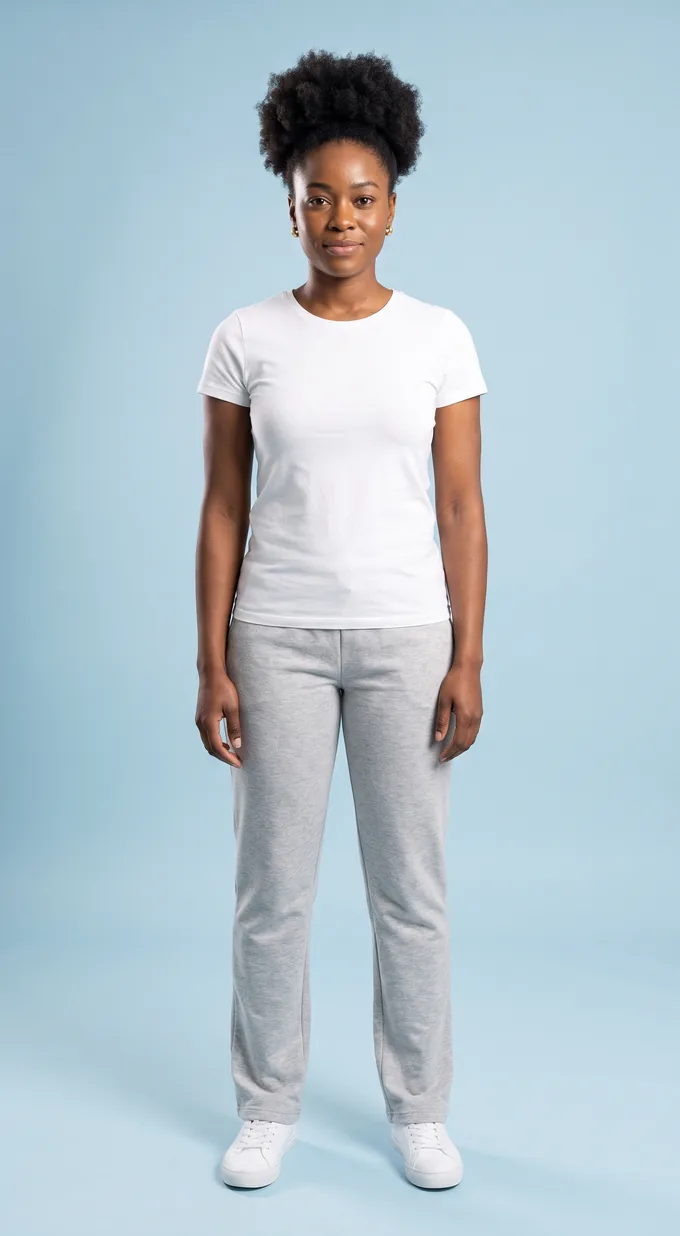
Ama, Jun and Rosa were each generated once as a full-length studio photo: white tee, gray sweatpants, white sneakers, the same pale blue paper backdrop, standing straight with arms relaxed. That single photo is the starting point for all of their outfits.
-
Plain product photos of the clothes
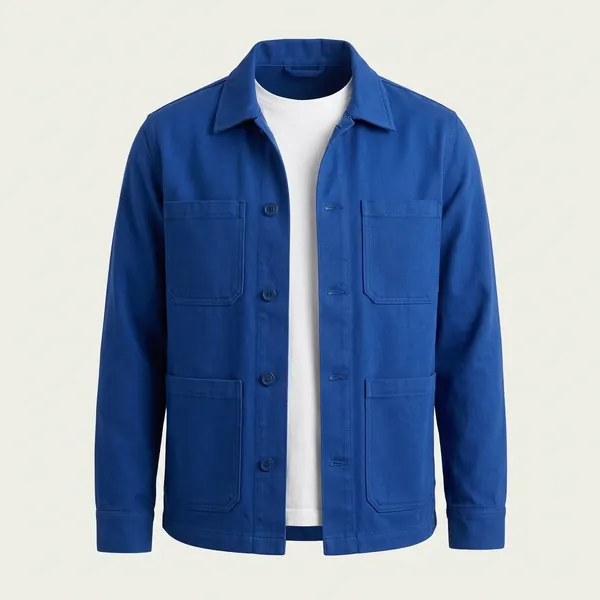
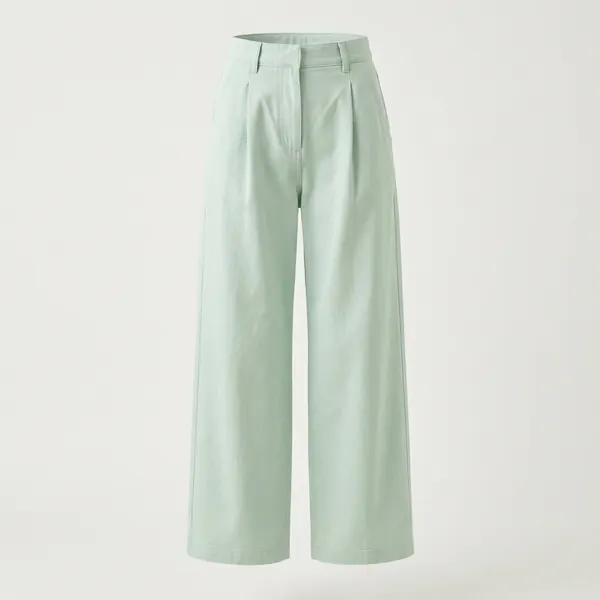
Each of the five pieces got its own catalog-style photo on an off-white background, the kind a clothing shop shows. These were AI-generated as well. The jacket was shot open over a white tee, so the try-on would keep a tee underneath.
-
One try-on per outfit
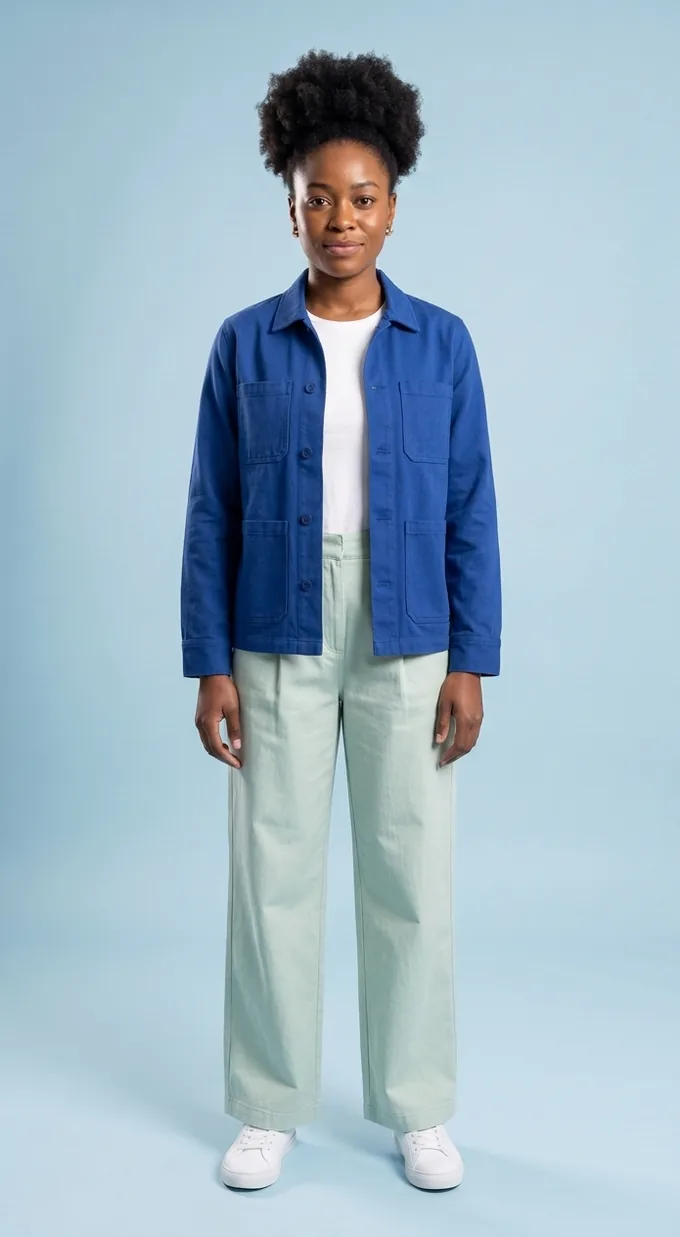
The base photo and the two product photos went into FitInView's try-on together, with the instruction to replace only the clothes. The result is one new photo. Six of these per person, one for every top and bottom pairing.
-
A check by eye
Every result was compared side by side with the base photo and the product photos. The questions were simple: is it clearly the same person, standing the same way, and do both pieces match their product photos in color, pattern and cut? A look that failed any of those would have been made again.
AI try-on examples. All people and clothes on this site are AI-generated.
What the try-on got right
Faces and pose. Across all eighteen looks, each person keeps the same face, hair, glasses and earrings, and stands in the same spot with the same arms. That is what makes swapping outfits feel like a paper doll instead of a slideshow of strangers.
Pattern and texture. The red stripes stay level and evenly spaced, and they bend over the shoulders and arms the way knit stripes do. The cable pattern on the sweater shows up as raised braids, not a flat print.
Layering. Because the jacket's product photo showed a white tee underneath, every jacket look keeps a tee under the open jacket.
What it decided on its own
Some details were not in the instructions, so the try-on chose. In several looks the top ends up tucked into the trousers: Ama's and Jun's striped tees go into their jeans, and Ama's and Rosa's sweaters get tucked into the mint trousers, while Jun's sweater stays out. Nobody asked for any of that. The jeans' product photo showed them on a mannequin stand, and the try-on simply ignored the stand. Hem and sleeve lengths also come out looking natural on each body in the photo, which is not the same as how the real garment in your size would fall.
That last point matters if you are using try-on to shop. A try-on photo is good at showing color, pattern and the overall look of an outfit on a person. It does not know your measurements or the size chart, so it cannot tell you whether a waistband will fit. There is more on that in virtual dress up for shopping.
Why the game swaps photos instead of layering pieces
A layered drawing can mix anything with anything instantly, but a jacket drawn once looks the same on every body. A photo-real try-on shows how the piece sits on that particular person, which is the interesting part, but each combination has to be made and checked in advance. So the game trades quantity for that realism: three people, five pieces, eighteen photos, all preloaded so switching feels instant.
The game runs entirely in your browser. There is no server doing anything while you play; your saved looks are stored on your own device, and a shared link only contains the person, the two pieces and the outfit name.
Doing it with your own photo
The try-on used here is the same one FitInView uses. In the app you replace step one with a photo of yourself and step two with a photo or shop link of something you are thinking of buying. It works best with a well-lit photo where the whole garment area is visible: full length for trousers and dresses, waist up for tops. Your photos stay private to your account, and you can delete them.
Now dress up your own photo
Thinking about buying something? Upload a photo of yourself and a photo or shop link of the garment, and FitInView generates an image of you wearing it. It is the same AI try-on that made every look in this game.
Your first try-on is included with a free account. No card needed.